Interactive Editor
Interactive plot editor
Description
The interactive plot editor added new features to scilab, now the user can interact with the plot window and the graphic objects without using a single line of code.
The interactive plot editor provides the following features:
Editor menu:
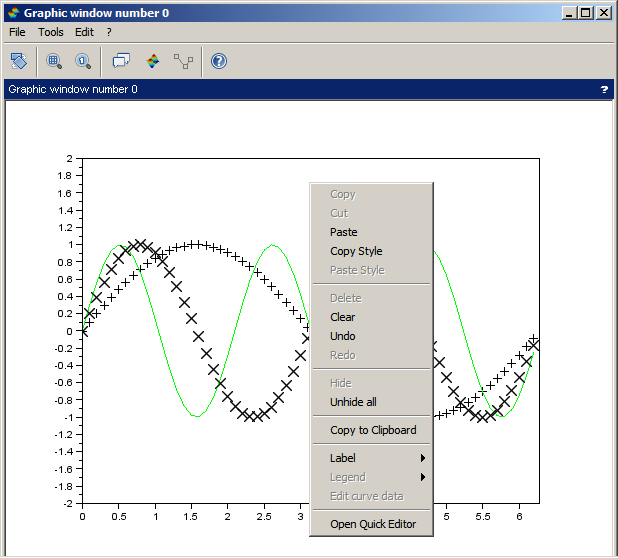
The user can select curves, surfaces and legends on the plot window.
Selected entities can be copied/cutted and be pasted to others figures (except legends).
The axes properties can be copied and pasted to ease formatting between figures.
The figure can be copied to the system clipboard, and pasted to others programs (like Word).
Deletes the selected entity.
Enables the user to hide the selected entity and unhide all hidden entities.
Almost any action done with the editor can be undone/ redone.
Labels
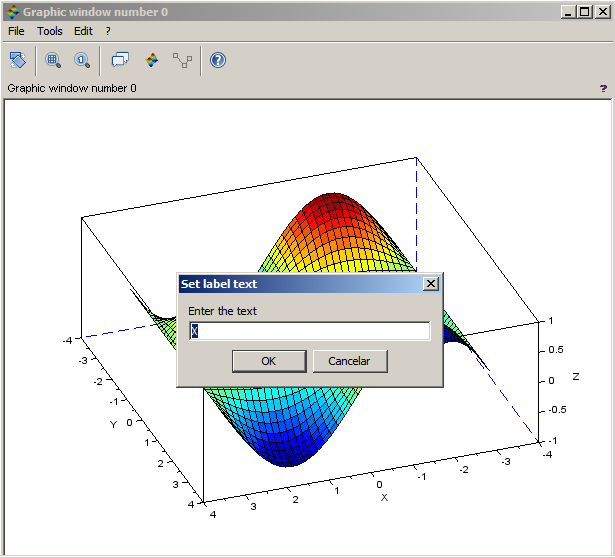
With a simply right click the user can insert labels in the axes, and doing a double click over a label text opens a dialog to edit its text.
Legends
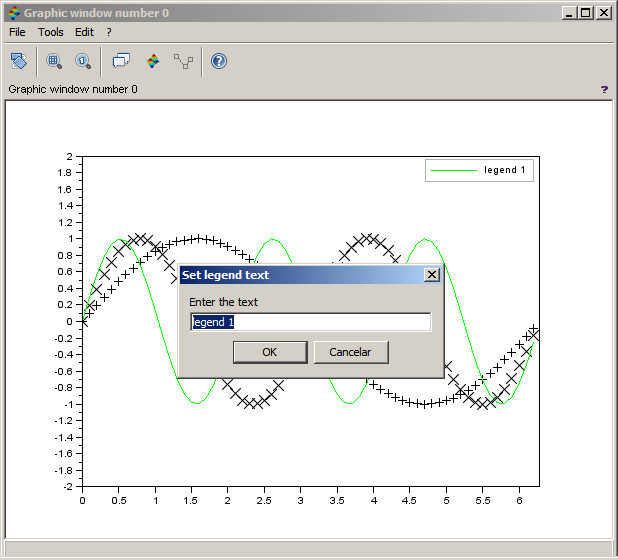
With a simply right click the user can insert a legend to the selected curve or remove it, and doing a double click over a legend box opens a dialog to edit its text.
Clears the figure.
With a simply right click the user can open the ged with the properties from the selected/right clicked entity.
Move objects
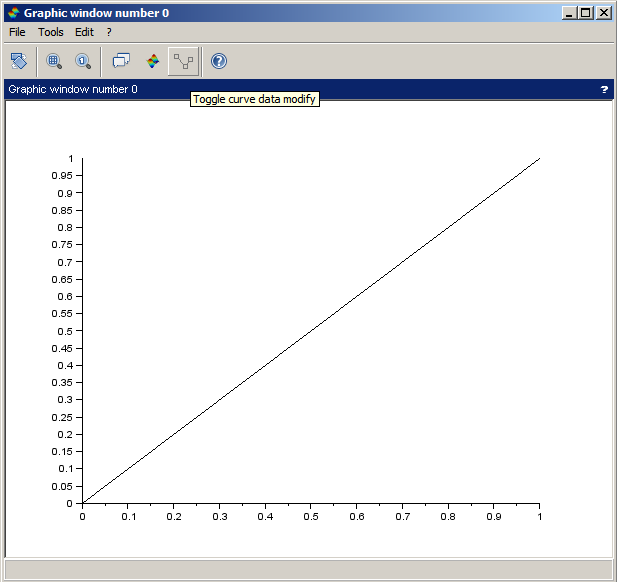
To move objects: enable the data editor mode, select and drag an object.
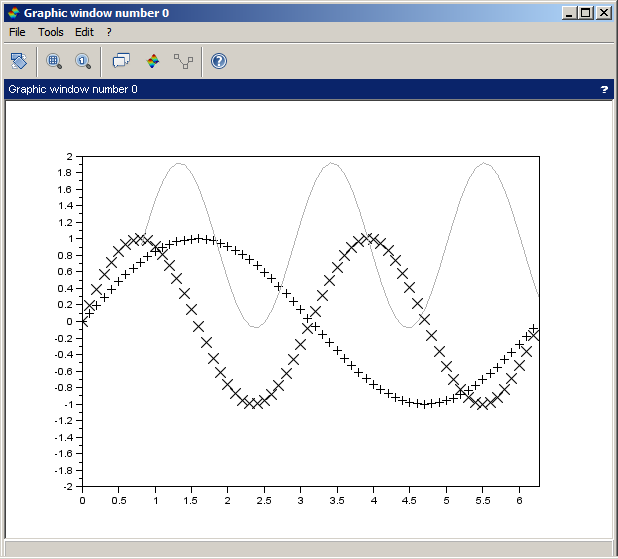
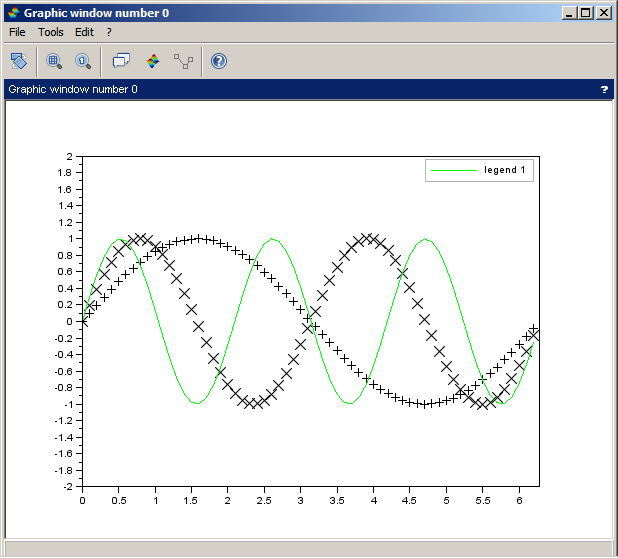
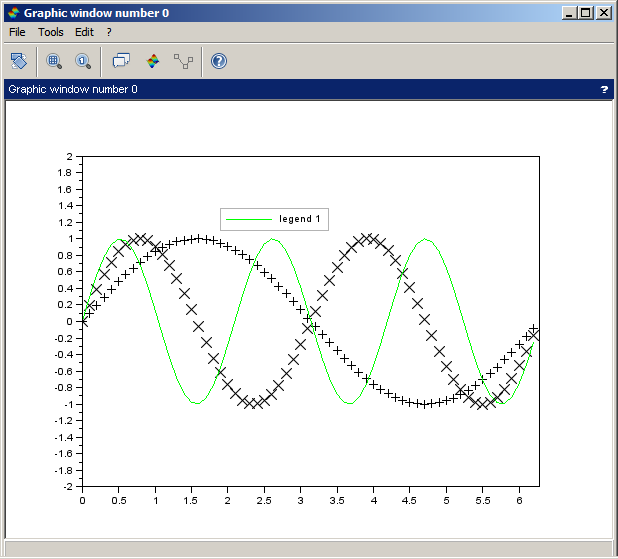
Graphically curve data editor
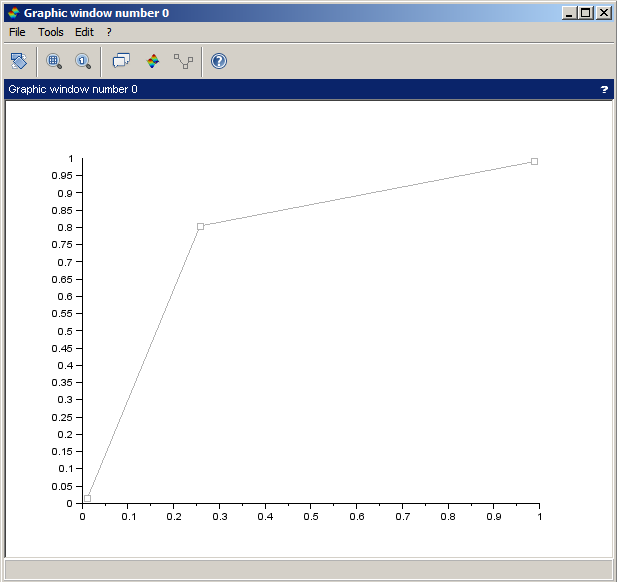
To edit a curve data: enable the data editor mode, select an object, right click, edit curve data or double click over curve.
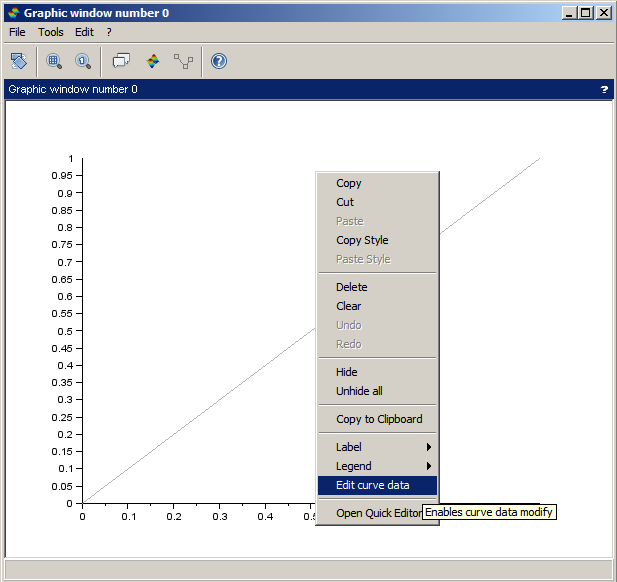
To add a point: with the selected curve in edit mode, right click, "insert" or double click over the curve.
To remove a point: with the selected curve in edit mode, right click, "remove".
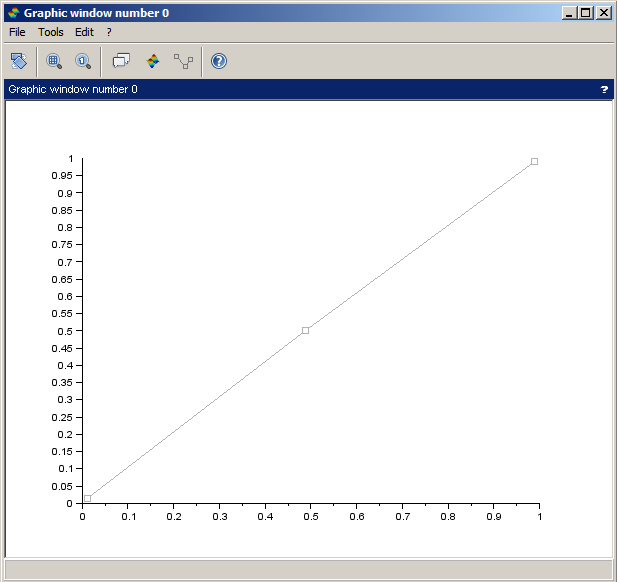
To move a point: with the selected curve in edit mode, click in the point and drag it.
See also
- Properties editor — Interactive edition of hierarchical properties of graphic objects
- ged — Scilab Graphic Editor
- graphics_entities — description of the graphics entities data structures
- set — set properties of some graphic objects or uimenus or uicontrol interactive components
- get — Gets the handle of a graphical or User Interface object, or the property's value of objects.
| Report an issue | ||
| << getvalue | GUI | loadGui >> |